Opening the research village…
The 3D world hasn’t opened yet. On a slow connection, it may need a little longer. Every place, project and contact is also available below.
WASDmove on screen · click to walkHold the arrows, or tap to walk
Every door opens a different story.Explore a room, or read a chapter here.
FROM KE’S FIELD NOTES
Choose a companion to take along.
The little scanner from MRFoundry.
Select a companion below to put it away.
Visit a room, or open its story here.
You’ve explored every place. Revisit a favorite, or open the full portfolio.
Walk up to a door to enter, and walk to the room’s exit to leave. You can also click a building to walk there. Each room has photographs, projects and research to discover. Your little MRI companion comes along.
On a phone: hold the arrow pad to move, or tap the ground or a building. Swipe the Travel shelf to see every ride. Pinch to zoom; use Backpack and Journal in the bottom dock.
Click the ground to walk, or use WASD and the arrow keys while the world is focused. In third person, up always moves toward the top of the screen, and left always moves left. The camera follows smoothly to keep you near the center. Its angle stays fixed, so turning never spins the map. Scroll or pinch to zoom.
Select a framed picture to look closer, or press E or Enter beside it. Village is a shortcut back outside; Escape closes a note.
Press B for your companion backpack, or J for the field journal. MRI Scout follows by default; take other companions along whenever you like.
Use the Travel choices to walk, cycle, drive, ride a horse or travel with Charizard. If a larger ride needs more space, you will move to a nearby clear spot before switching. A short message shows what is happening. Choose another ride to change your request. Rides park at the door; explore rooms on foot. Your companions follow along.
The default Third person view uses the same screen directions for walking, riding and flying. Only cars can reverse: with Model S, Cybertruck or Porsche, hold R or Hold to reverse to back straight out. Bicycle, Horse and Charizard turn toward the direction you choose and move forward. Hold Space to stop a ground ride. On a phone, the arrows point where you will go.
For an optional First person view, use the top-right switch or press V. In a car, W/↑ accelerates, S/↓ brakes then reverses, and A/D or ←/→ steer. On foot, Bicycle, Horse and Charizard, choose a direction with WASD or the arrows to turn and move forward; down turns you around. Drag to look around. With Charizard in either view, take off automatically, use Space to rise and C to descend. Switching rides lands in a clear spot first.
Turn on Music for a gentle soundtrack. It pauses when you switch away from this tab.
Ke Wang is a Senior Applied Scientist on Adobe’s Foundation Model team, working on reinforcement learning and post-training for multimodal foundation models.
Visit the CV, publications, MRFoundry tutorial, or email Ke about summer 2027 internships.
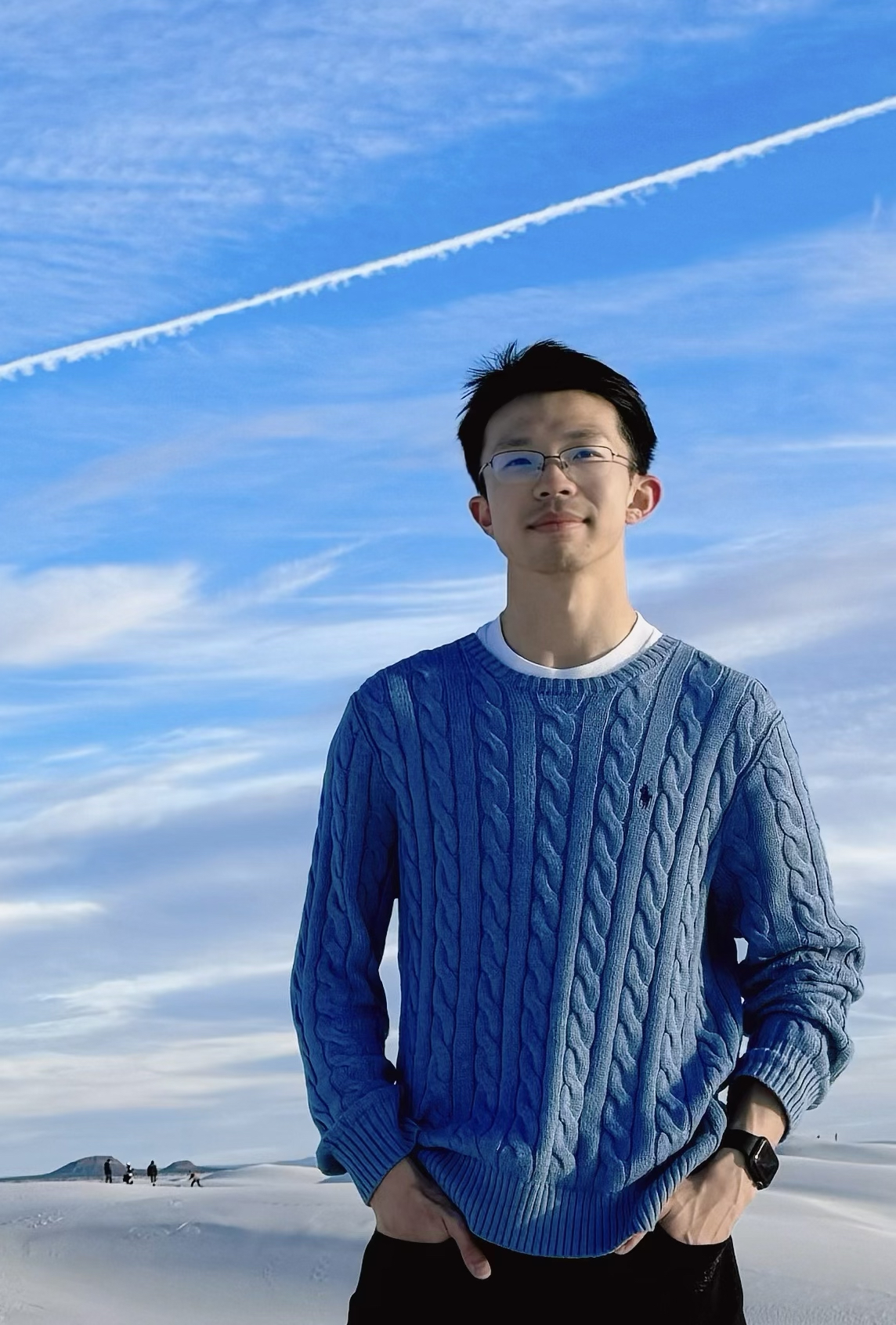 Ke WangAdobe · Senior Applied ScientistRL & multimodal foundation models↗